
This guide explains how to manually prepare and submit a CT600 Corporation Tax Return using your iXBRL annual accounts.
Step 1: Prepare the Annual Accounts
Generate your annual accounts in iXBRL format and ensure the accounts are finalized before creating the CT600 return.
Step 2: Create the CT600 Return
Create a new CT600 return and manually import the relevant financial information from your accounts.
Navigation: Corporation Tax > Client Specific > Tasks > Create CT600
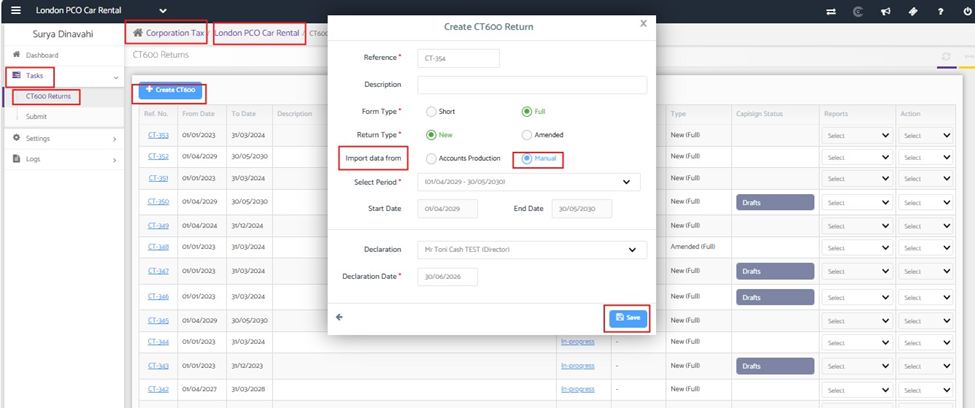
Complete the required company and accounting period details, then manually import the financial information into the return.
Step 3: Add the Required Supplementary Pages
You can add any supplementary pages that are applicable to the return like loans, charities, or other additional schedules
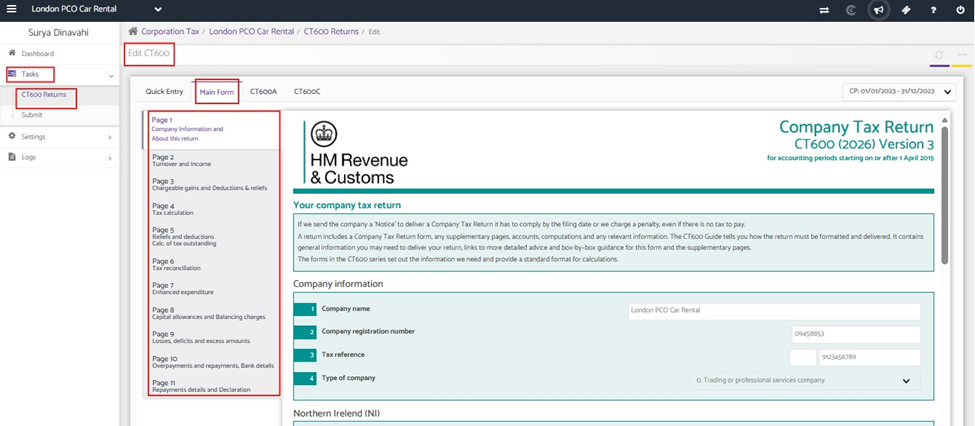
Navigation: Corporation tax > Client Specific > Tasks > CT600 returns >Edit the CT600 Return > Main form > Supplementary Pages
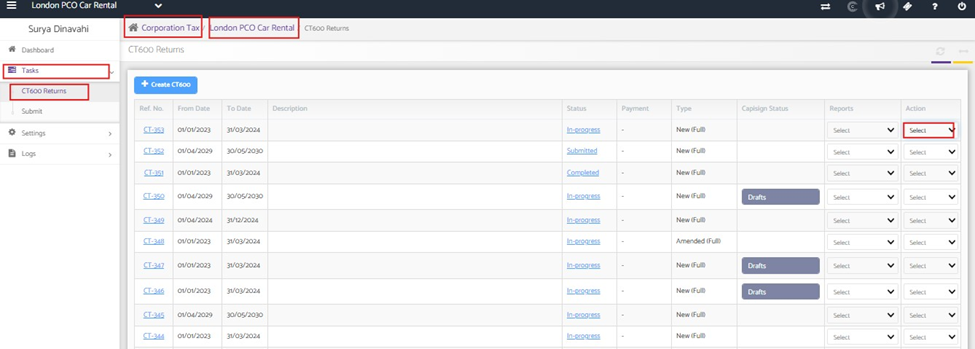
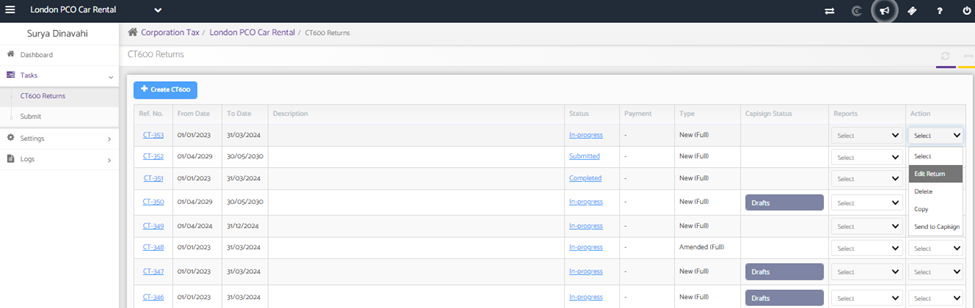
Add the forms relevant to your company.
Step 4: Attach the iXBRL Accounts
Attach the iXBRL accounts file to the CT600 return before submission
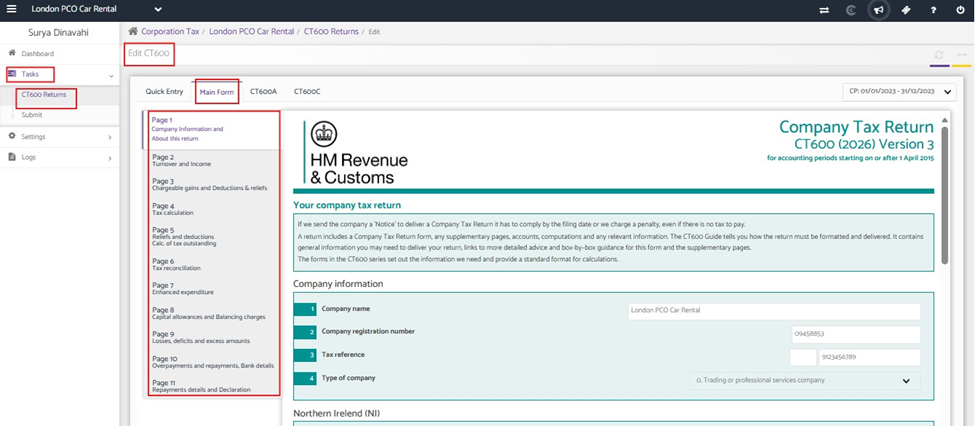
Step 5: Review and Submit
You can review all information entered in the CT600 return, ensuring that the accounting period, figures and attachments are correct
Note : You can attach only one iXBRL accounts file which matches with CT period and the computation will be automatically sent by the system along with submission.