
Navigation: Practice Management >> Workspace >> Clients.
On right of the screen, click on the add new client button.
Alternatively please click on this link and you will be taken to the page.
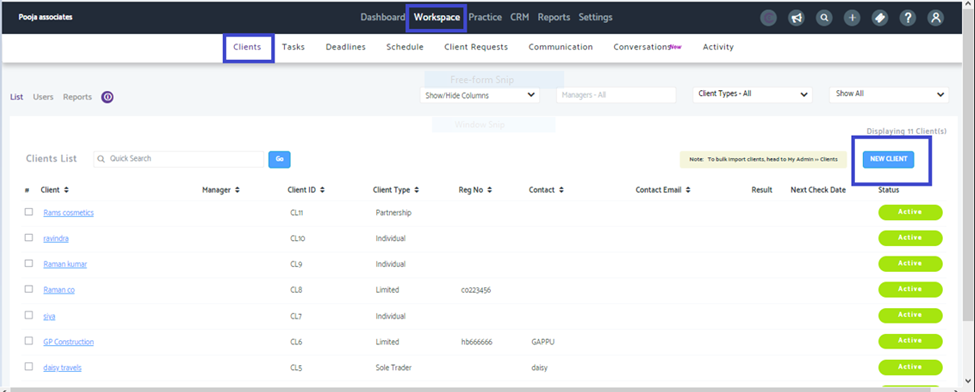
Once done you can fill in the details for adding the new client as shown below and save.
