
Overview
The Download Individual Supplementary Pages feature allows you to download a specific supplementary form from an existing CT600 return.
Navigation
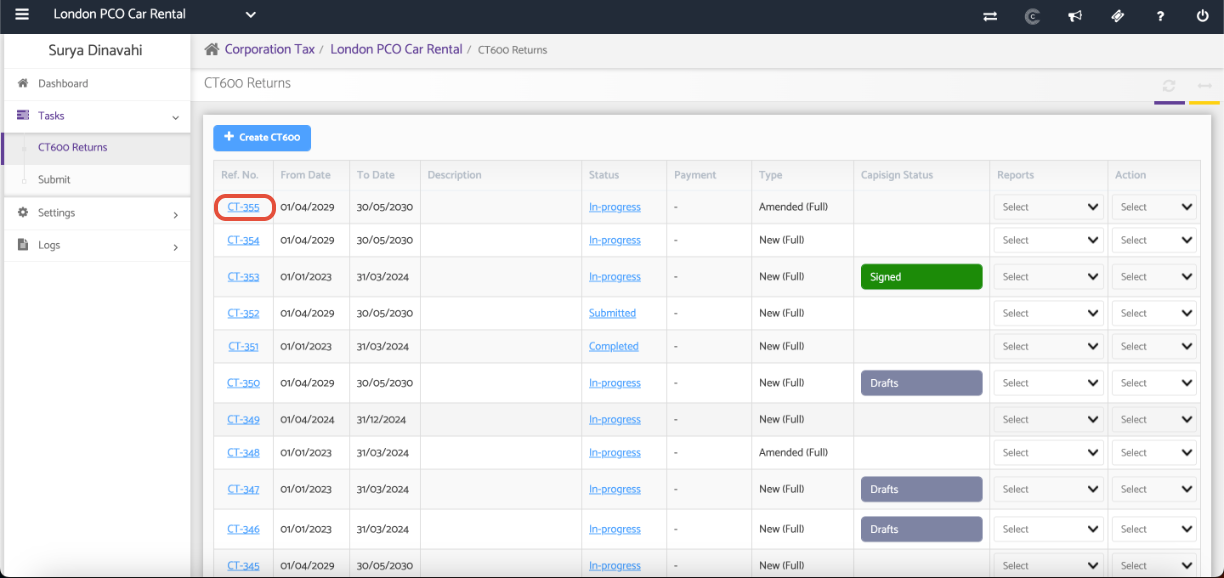
Corporate Tax > Client Specific > Tasks > CT600 Returns > Click on a REF. NO.
Open a CT600 Return and Select the Supplementary Page
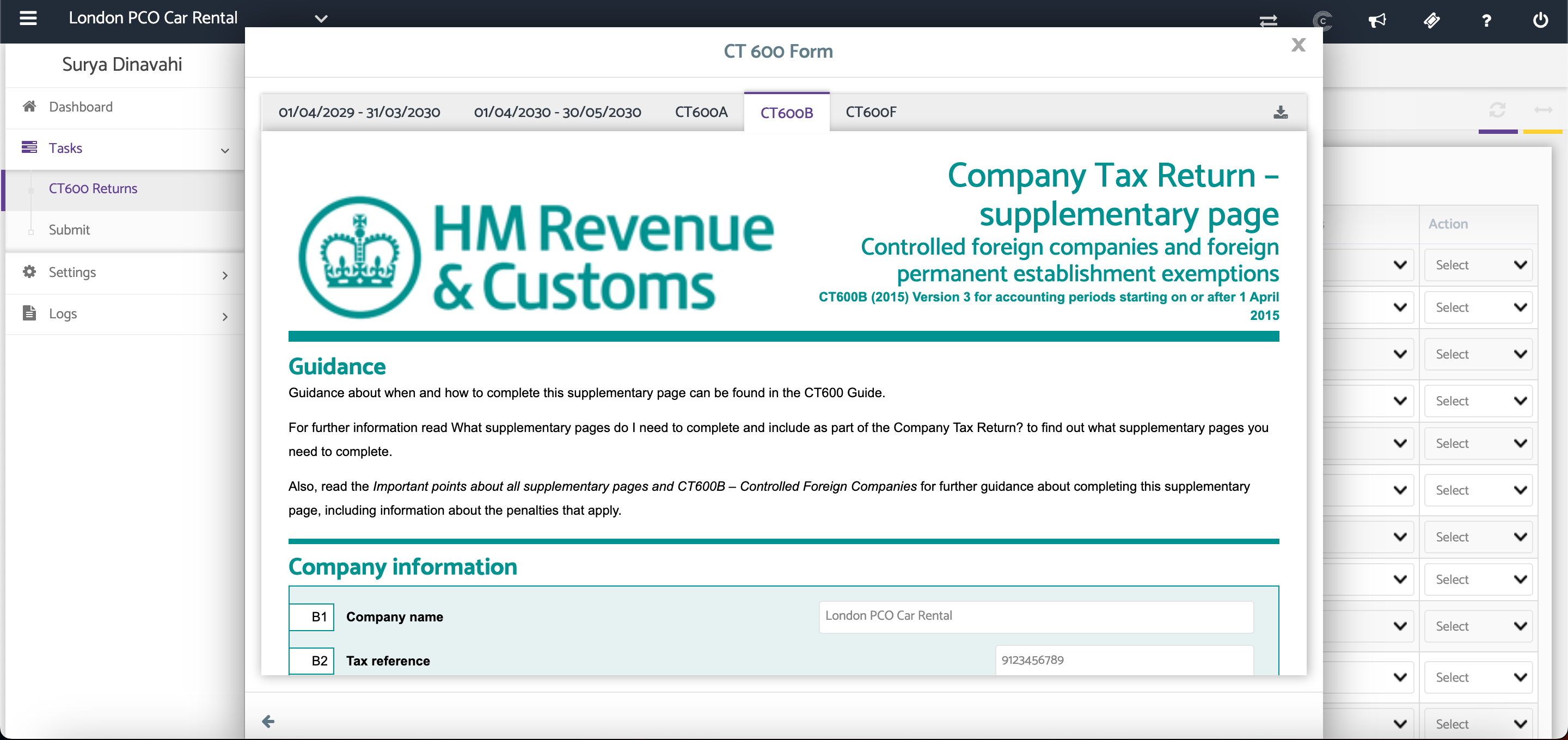
Navigate to CT600 Returns and select the required return by clicking its Reference Number. Once the CT600 return opens, navigate to the supplementary page you wish to download.
Click the Download button in the top-right corner of the screen to download the selected supplementary page.
Additional Help
Need Help?
If you need assistance or guidance, please contact your onboarding manager or email Support@capium.com, or call us on 020 3322 5578.