
You can post a Tax Journal Entry from the Corporation Tax (CT) module to the Accounts Production module by changing the status of the tax computation.
Follow the steps below:
- Navigate to Client > Tasks > CT600
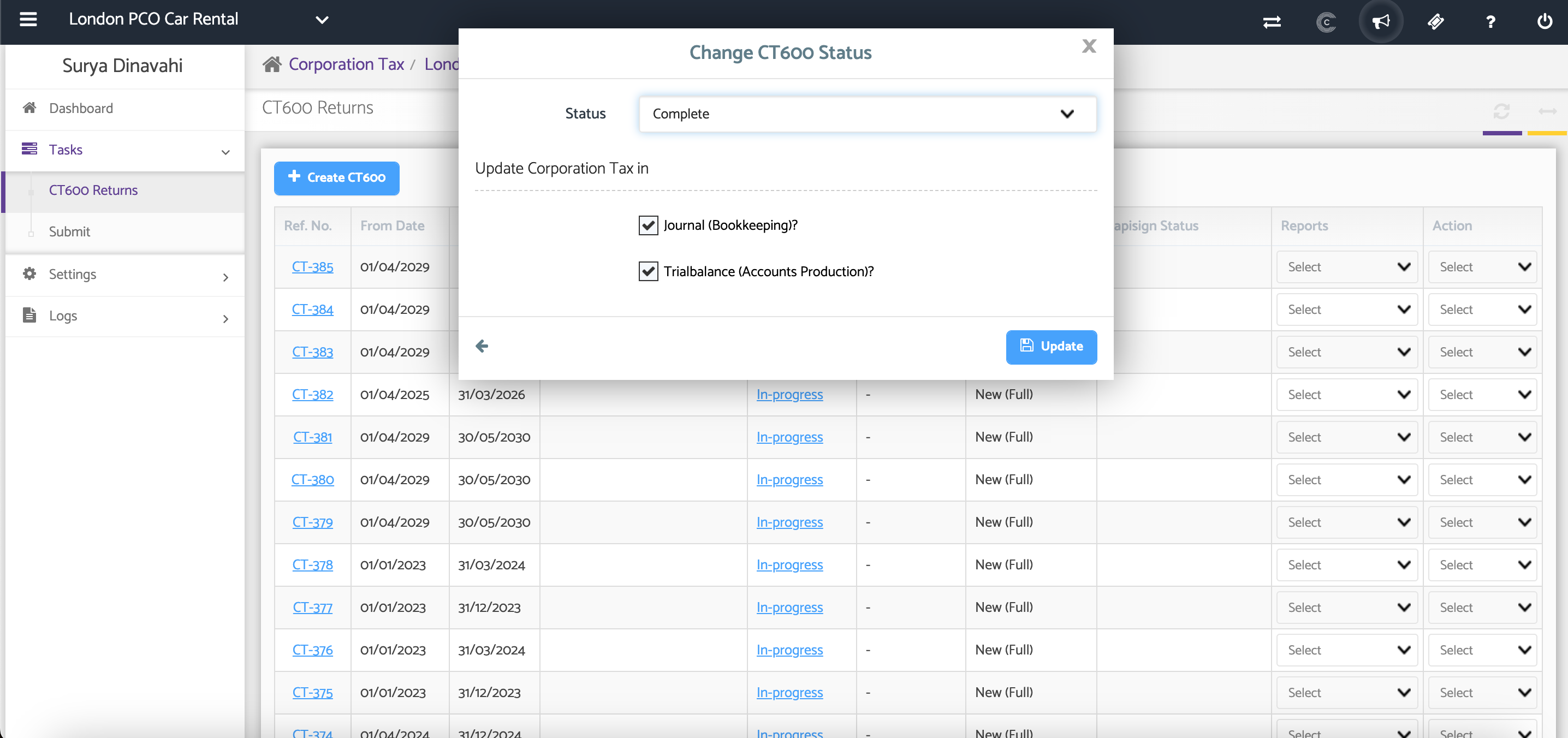
- Click on the status In Progress.
- Change the status to Completed.
- Once the status is changed, an option will appear to post the journal.
- Select the option to post the journal to the Accounts Production module.
Once posted, it will appear in the Accounts Production module.
Additional Help
Need Help?
If you need assistance or guidance, please contact your onboarding manager or email Support@capium.com, or call us on 020 3322 5578.