
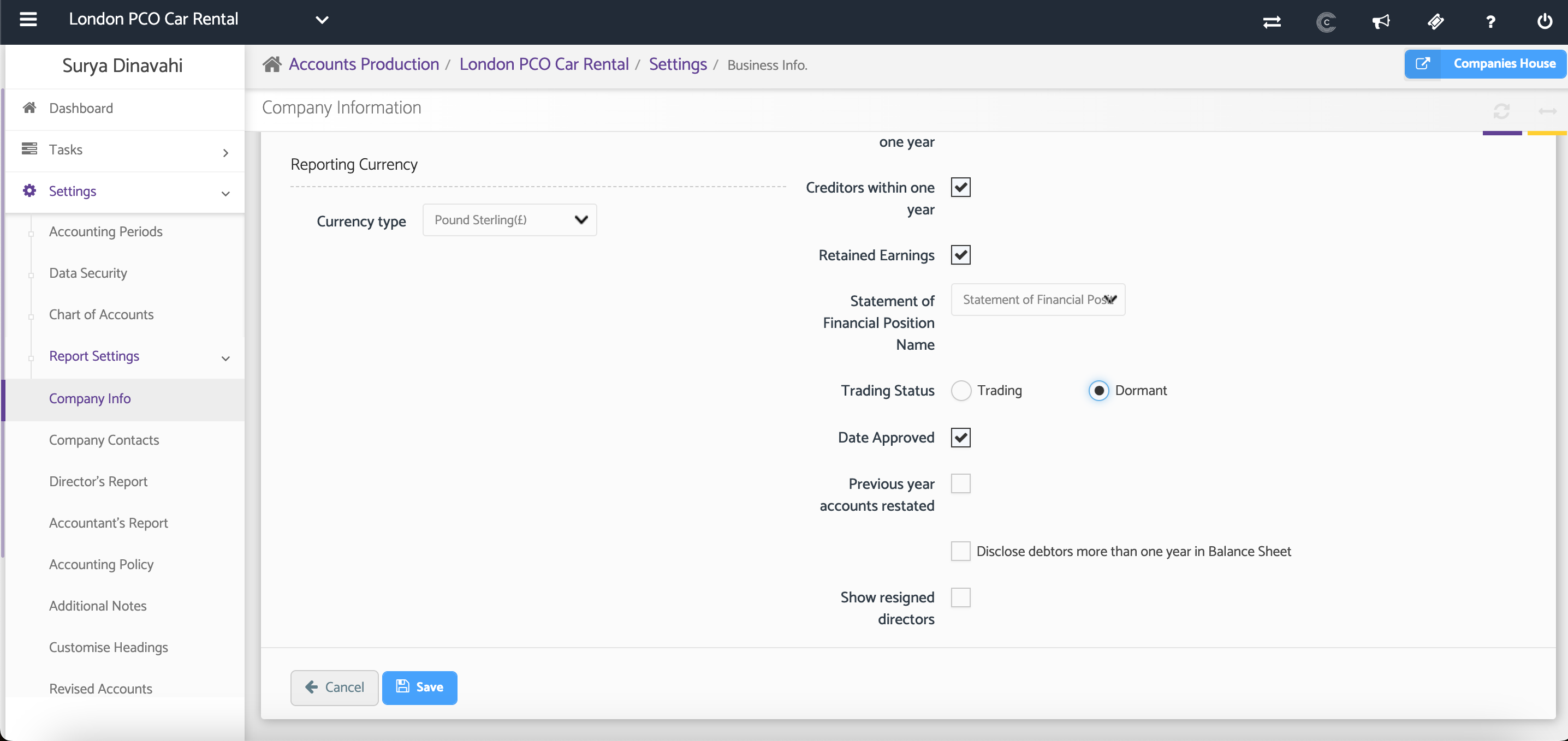
To show that the CT600 relates to a dormant company, you need to update the company's Trading Status in the Accounts Production module.
Navigation: Accounts Production > Client > Settings > Company Info
1. Change the Trading Status to Dormant.
2.Save your changes.
3.Prepare the Dormant Accounts Report as required.
4. Attach the Accounts Report to the CT600 in the Corporation Tax Module and proceed with the submission to HMRC.
Please refer below screenshot for more help.
Video Guide:
Click here to watch how to prepare dormant accounts
Additional Help
Need Help?
If you need assistance or guidance, please contact your onboarding manager or email Support@capium.com, or call us on 020 3322 5578.