
Overview
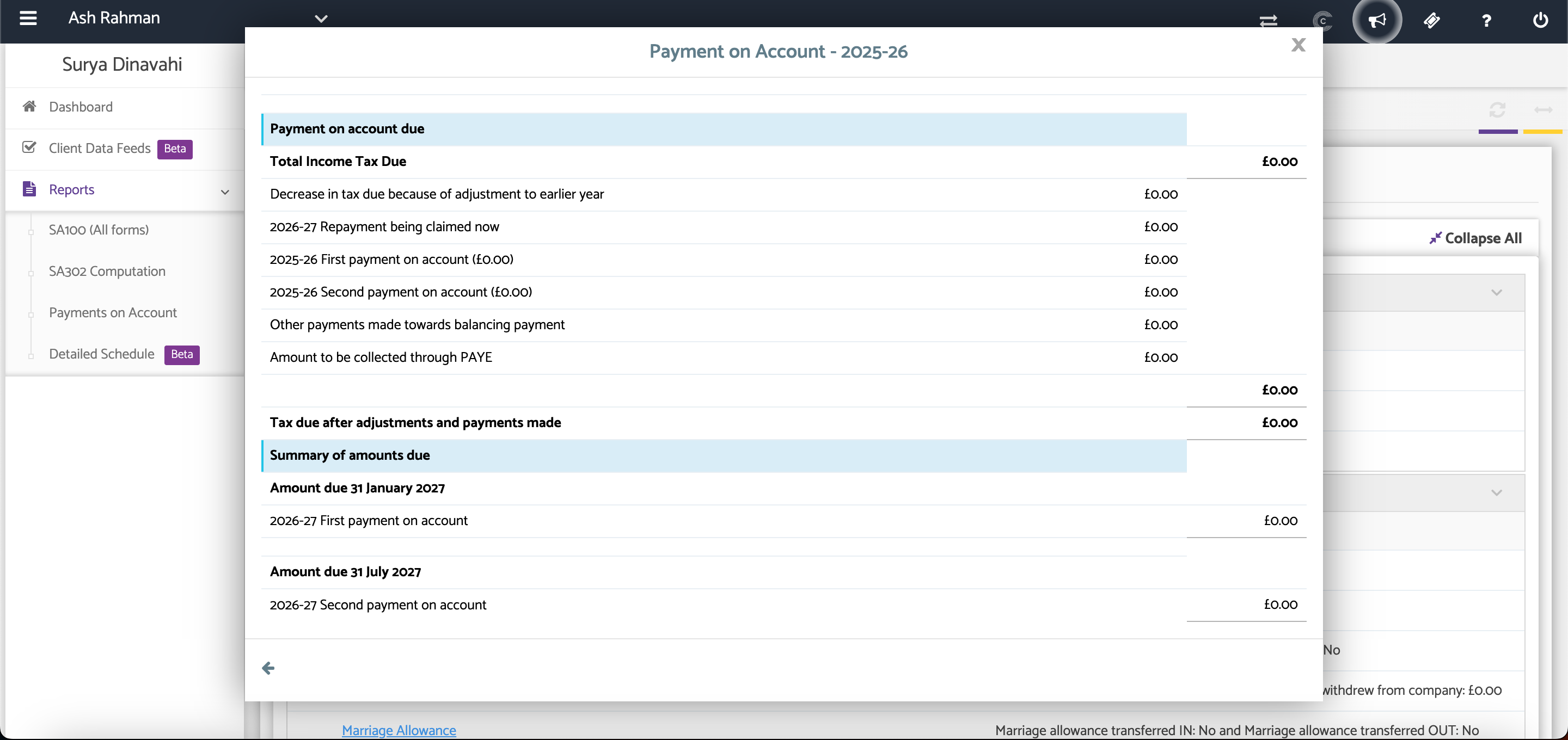
The Payments on Account section allows you to view the taxpayer's Payments on Account (PoA) for the selected tax year. This provides a summary of the payments due and any amounts that have been recorded.
Navigation
Self Assessment > SA100 > Client Specific > Reports > Payments on Account
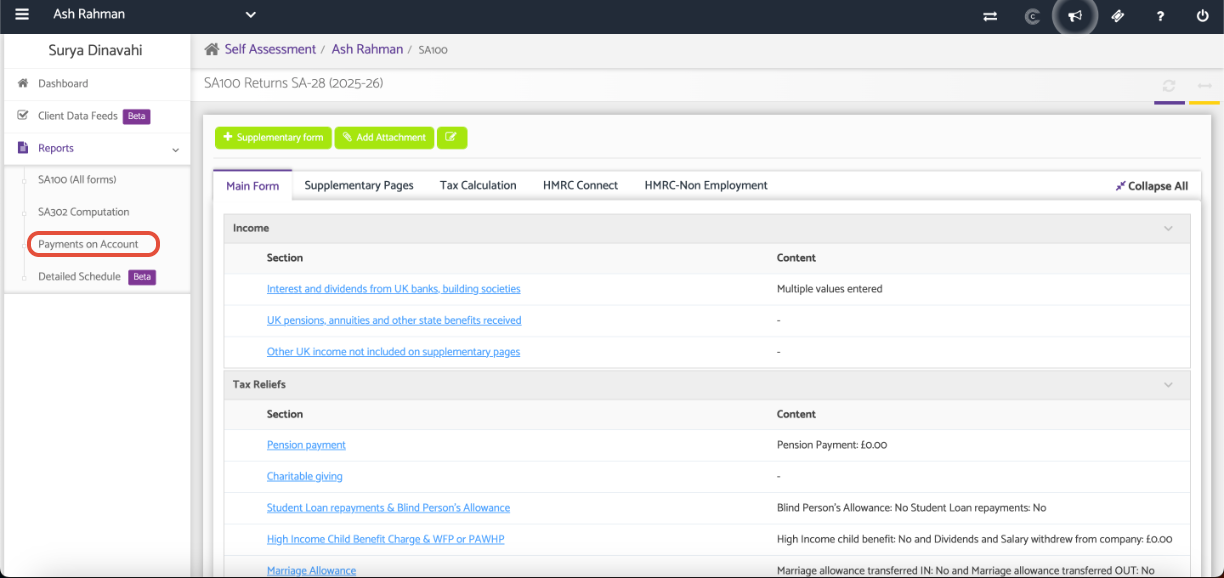
A pop-up window will display the Payments on Account for the selected tax year.
Review the information to confirm the payment amounts and due dates.
Support Video
Manually Entering Payments on Account (PoA)
Additional Help
Need Help?
If you need assistance or guidance, please contact your onboarding manager or email Support@capium.com, or call us on 020 3322 5578.