
Overview
The Company Contacts section allows you to maintain details of individuals and organisations associated with the company. This information is used within Accounts Production reports and provides a central location for managing key company contacts.
The following contact types can be maintained within this section:
Directors
Secretaries
Solicitors
Bankers
Navigation:
Accounts Production > Settings > Report Settings > Company Contacts
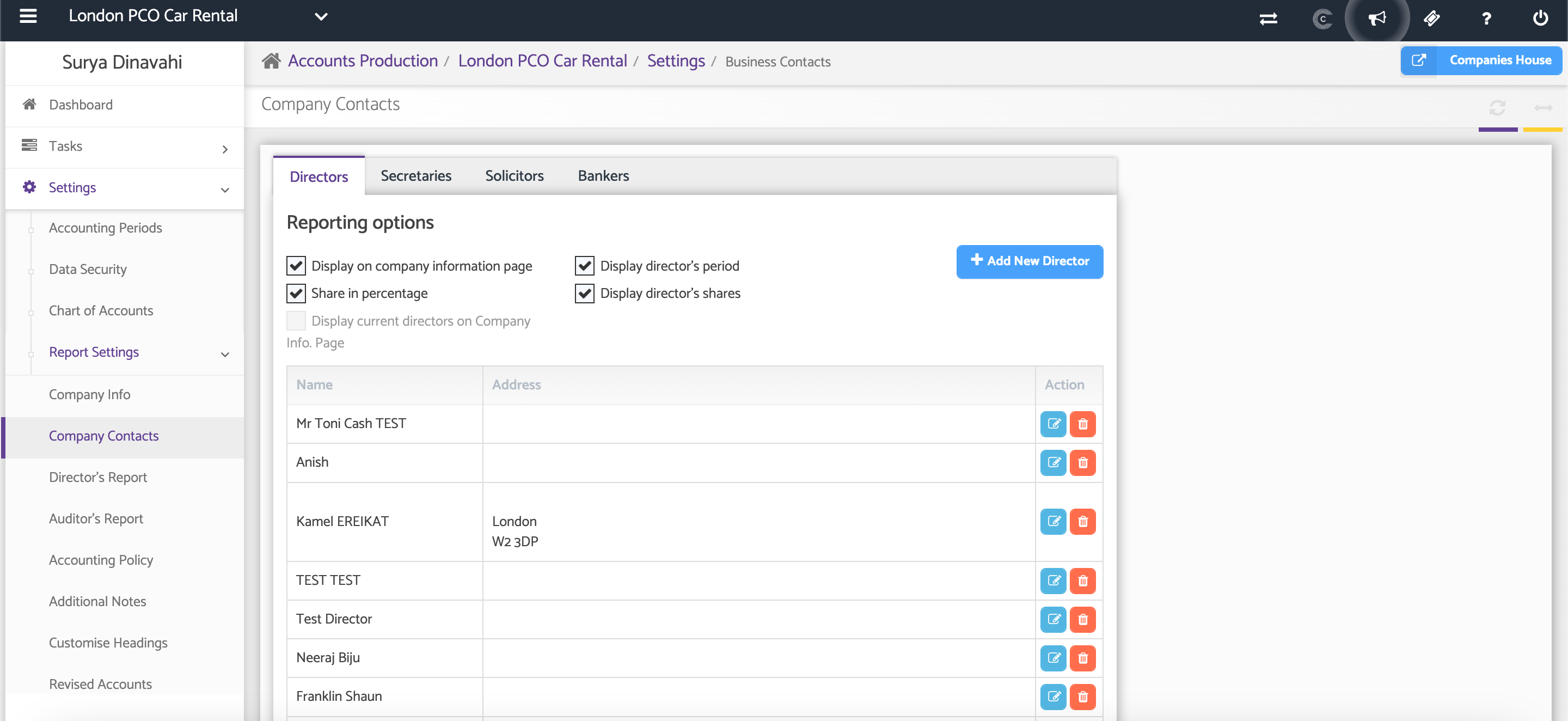
Review Existing Contacts
Select the relevant tab to view existing contacts for the company.
Available tabs include:
Directors
Secretaries
Solicitors
Bankers
Each tab displays the contacts currently recorded for that contact type.
Add a New Contact
To add a new contact, select the appropriate tab and click the Add New button.
Complete the required contact details and save your changes.
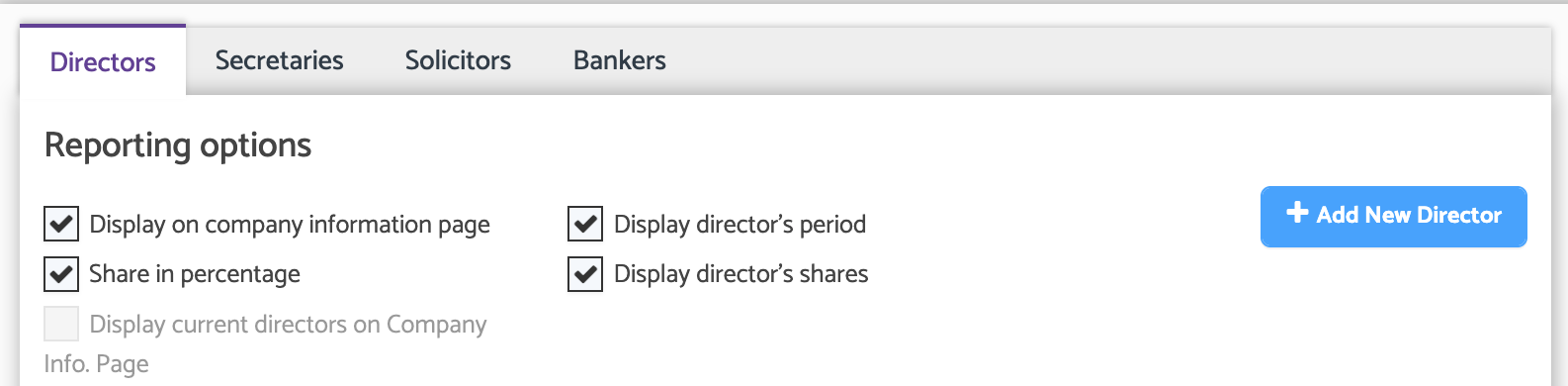
After entering the contact information, save the record to make it available within the Company Contacts section and related reports.
Additional Help
Need Help?
If you need assistance or guidance, please contact your onboarding manager or email Support@capium.com, or call us on 020 3322 5578.